Change History
Dashboards, reports and sharing links keep an audit of what changed, when, and who changed it. Each history entry can be expanded to the individual attributes that changed, with their previous and new values side by side.
A dashboard's history
Open the dashboard's card in Settings → Dashboards and select the History tab. It covers the dashboard itself and everything attached to it, under Show changes in:
- Dashboard — its own settings, its layout, and whether it is published
- Reports — the reports on it, including their SQL, R and chart configuration
- Sharing Links — links to the dashboard and their settings
- Schedules — scheduled e-mails
- Sharing with Users — which user groups the dashboard is shared with
- Filters — the dashboard's filters
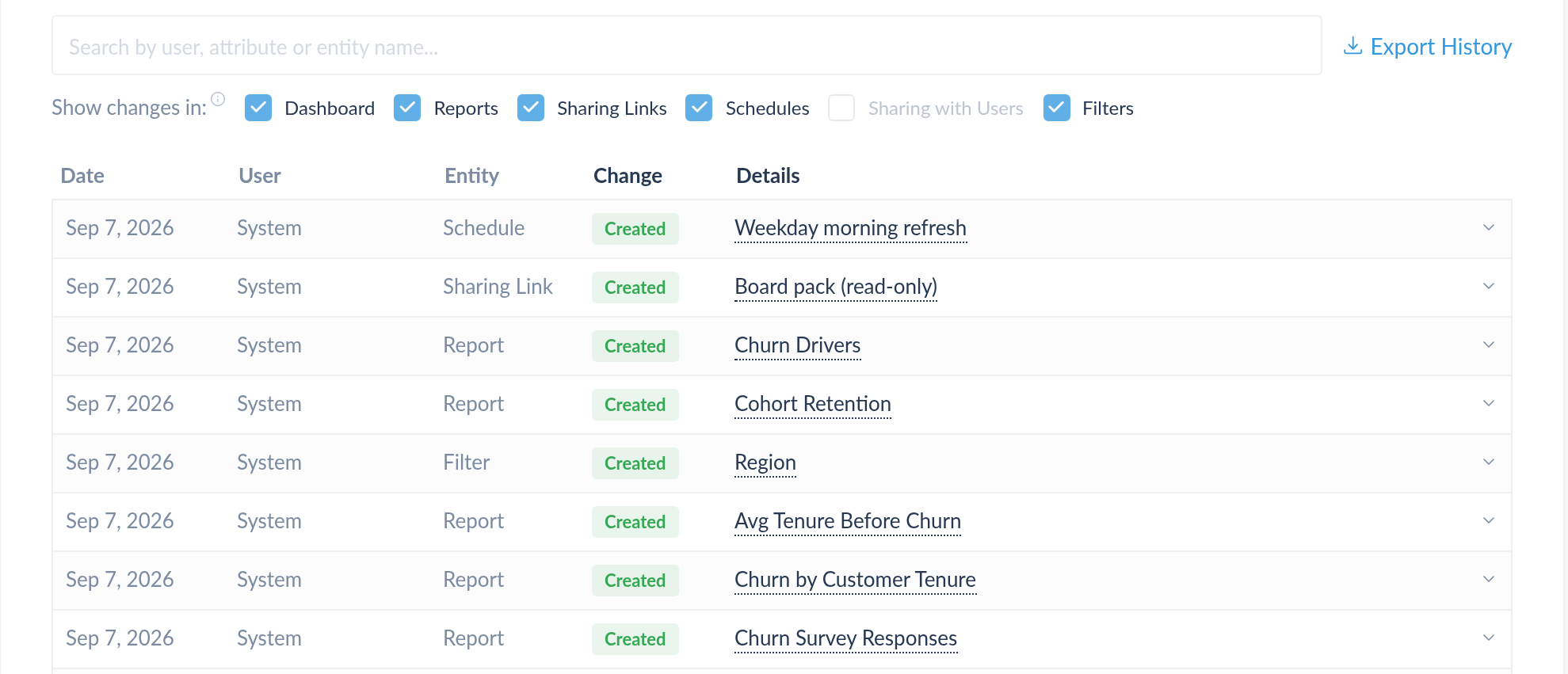
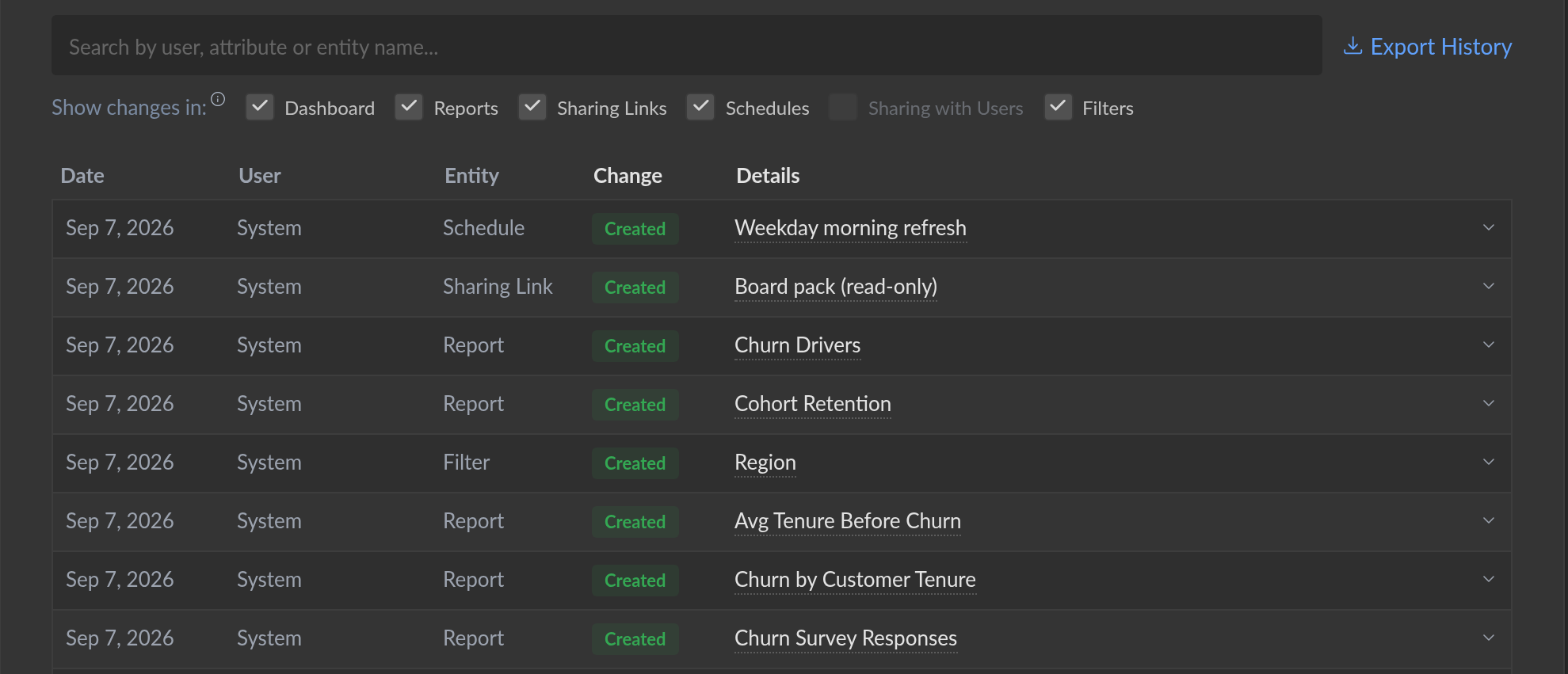
Untick a category to drop it, or Alt+click one to isolate it and Alt+click again to bring the rest back. A category with nothing to show is greyed out, which answers has this ever been shared with a group? without a search. The search box matches users, attributes and entity names, so you can look for the thing that changed rather than remember which entity carried it. Export History downloads what the filters currently select.
Each row gives the date, who made the change, the entity it belongs to, and
whether a value was set, changed or removed. Expanding it lists every attribute
that moved, with its old and new value. Chart configuration is named the way the
editor names it — a change to x_axis_label reads as Chart: X Axis Label —
and a long value, a SQL query or an R script opens in a diff view through
Show diff rather than being squeezed into the table.
Layout changes
Dragging reports around a dashboard produces a lot of small changes, so consecutive layout edits by the same person within a minute of each other are merged into one entry, which reads Layout changed — N changes.
When a dashboard has been rearranged so much that its layout entries would crowd out everything else, they are left out of the list and a notice above the table says how many — with Show all to fetch them anyway.
A report's history
The report editor carries the same history for the report you are editing. Report history in the editor's left icon bar opens the Report changes history panel, newest first, each entry showing what changed, how long ago and by whom.
An entry reads as Created, Duplicated from name, Deleted, or a summary of the attributes that changed. Expanding one lists those attributes with their previous and new values, and three actions:
- Restore puts that revision back.
- Changes opens the entry's own diff.
- Diff to current compares the revision against the report as it stands now, which is the one to reach for when you know something broke but not when.
A sharing link's history
A sharing link's card has a History tab of its own, covering the link's settings — its restrictions, expiry, and which dashboard and drill-downs it exposes. Passwords are recorded as having changed, never with their value.