Overview
Introduction to Cluvio
Cluvio is a modern business intelligence (BI) platform that allows rapid building of interactive dashboards using SQL and R.
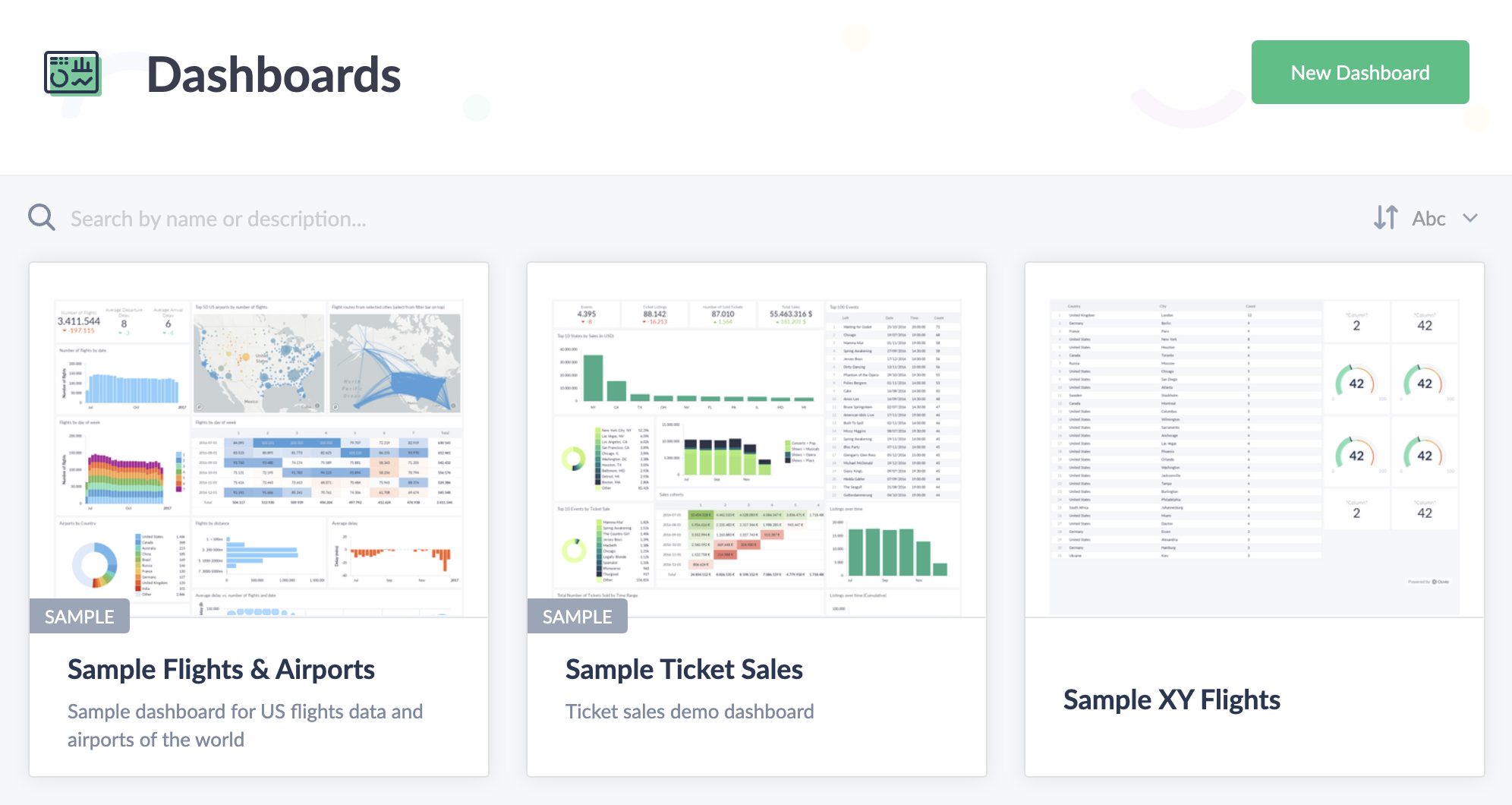
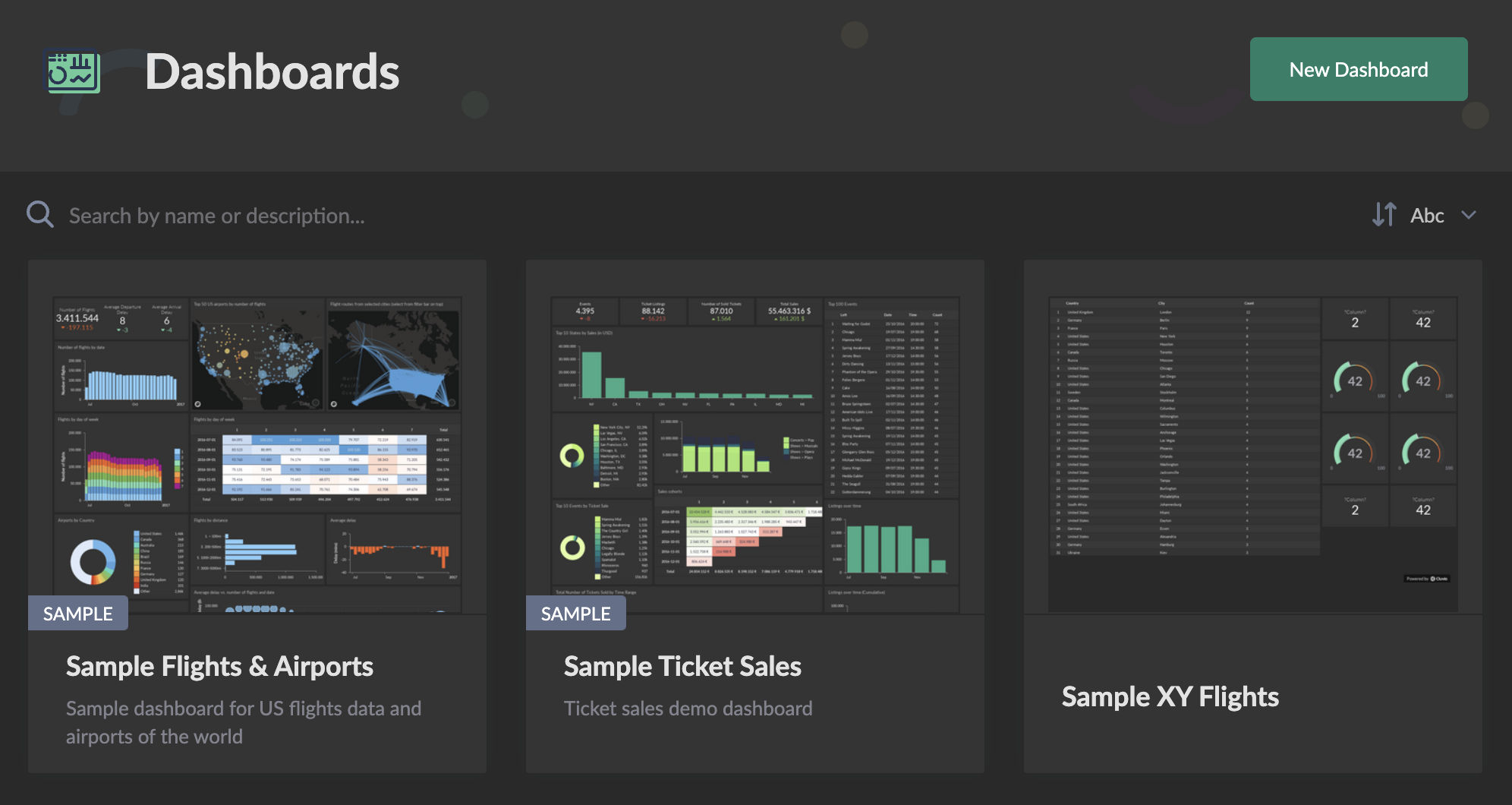
Cluvio is a good fit:
-
As a personal analyst tool, where you use Cluvio for yourself to run ad-hoc queries, explore data or run analyses. We designed our Free plan to cover most of these needs.
-
For internal company analytics, where a team of analysts creates dashboards that are shared with other employees of the company to allow them to make better decisions. Cluvio's powerful dashboard sharing capabilities and fair pricing for companies at any stage of growth make it easy to run a data-driven business.
-
As an embedded analytics solution, where you build dashboards that are used by your customers and embed them seamlessly within your own web application. Cluvio's flexible pricing makes it a very approachable and future-proof solution.
-
For white-labeled data products, where you can quickly create your own data product solution, branded and styled as your own. If you provide domain-specific intelligence, you can have a fully branded solution on your own domain in place within days.
Locations
Cluvio is a pure SaaS product that operates in 2 geographical locations:
- US, with our servers hosted in AWS us-west-2 (Oregon, US) region.
- EU, with our servers hosted in AWS eu-central-1 (Frankfurt, Germany) region.
You choose the account location when you sign up for Cluvio and we guarantee that any data that is processed on your account stays within your chosen geographical region, which can be important for regulatory compliance or legal reasons.
Security
We use modern best-practices for security of our server infrastructure and systems as well as for protecting any customer data with at-rest and in-transit encryption. Cluvio is EU GDPR compliant (you can sign the DPA in the Organization Settings on your account) and for US customers we offer HIPAA compliance as an optional add-on. To learn more about Cluvio's security, please refer to the Security & Privacy Overview on our website.
Availability
We operate our service with high availability as a primary goal. We constantly evolve the product and perform deployments multiple times per day, without service interruptions. You can review our historical status on Cluvio Systems Status.
Supported Browsers
Cluvio supports current versions of Chrome, Edge, Firefox and Safari on desktop and mobile.
The oldest versions we currently test are:
- Chrome 98
- Edge 98
- Firefox 94
- Safari 15.4
Older browser versions may still work, but are not tested or supported. If a browser is too old to run Cluvio, the dashboard will show Browser not supported instead.
The same browser requirements apply to shared dashboard links and embedded dashboards. This means that anyone opening a shared or embedded dashboard needs to use a supported browser, regardless of whether they have a Cluvio account.
Map charts
Map charts use WebGL 2, which is supported by Safari 15 and newer. On older Safari versions, the dashboard itself will still load and other chart types will work, but map charts will show Vector maps are not supported in your browser.
To use map charts, update Safari to a supported version. On iPhone and iPad, Safari is updated together with iOS.
Checking your browser version
If a dashboard does not load, first check which browser version you are using and update it if necessary:
- Chrome, desktop: enter
chrome://versionin the address bar - Edge, desktop: enter
edge://versionin the address bar - Firefox, desktop: Help → About Firefox
- Safari, desktop: Safari → About Safari
- Chrome on Android: ⋮ → Settings → About Chrome
- Safari on iPhone or iPad: check Settings → General → Software Update, since Safari is updated as part of iOS
Chromebooks
Chromebooks are a common exception. Once a Chromebook reaches its Auto Update Expiration (AUE) date, ChromeOS no longer receives regular updates. The installed Chrome version can therefore become several major versions behind even though the device reports that no updates are available.
If Cluvio does not work on a Chromebook and Chrome cannot be updated, check whether the device has reached its AUE date.