Checkbox
Usage
A checkbox filter shows a checkbox control.


The filter is used as a condition on a boolean expression - when selected it resolves
to the value true, otherwise to the value false.
Syntax
{[<boolean_expr>]=<filter_variable_name>}
For example:
... WHERE {enabled=enabled_filter} ...
A selection of Yes results in database-specific SQL equivalent to:
... WHERE enabled = TRUE ...
Analogously for a selection of No (FALSE).
Configuration
To configure a Checkbox filter, select the Checkbox UI control type in
the filter definition dialog.
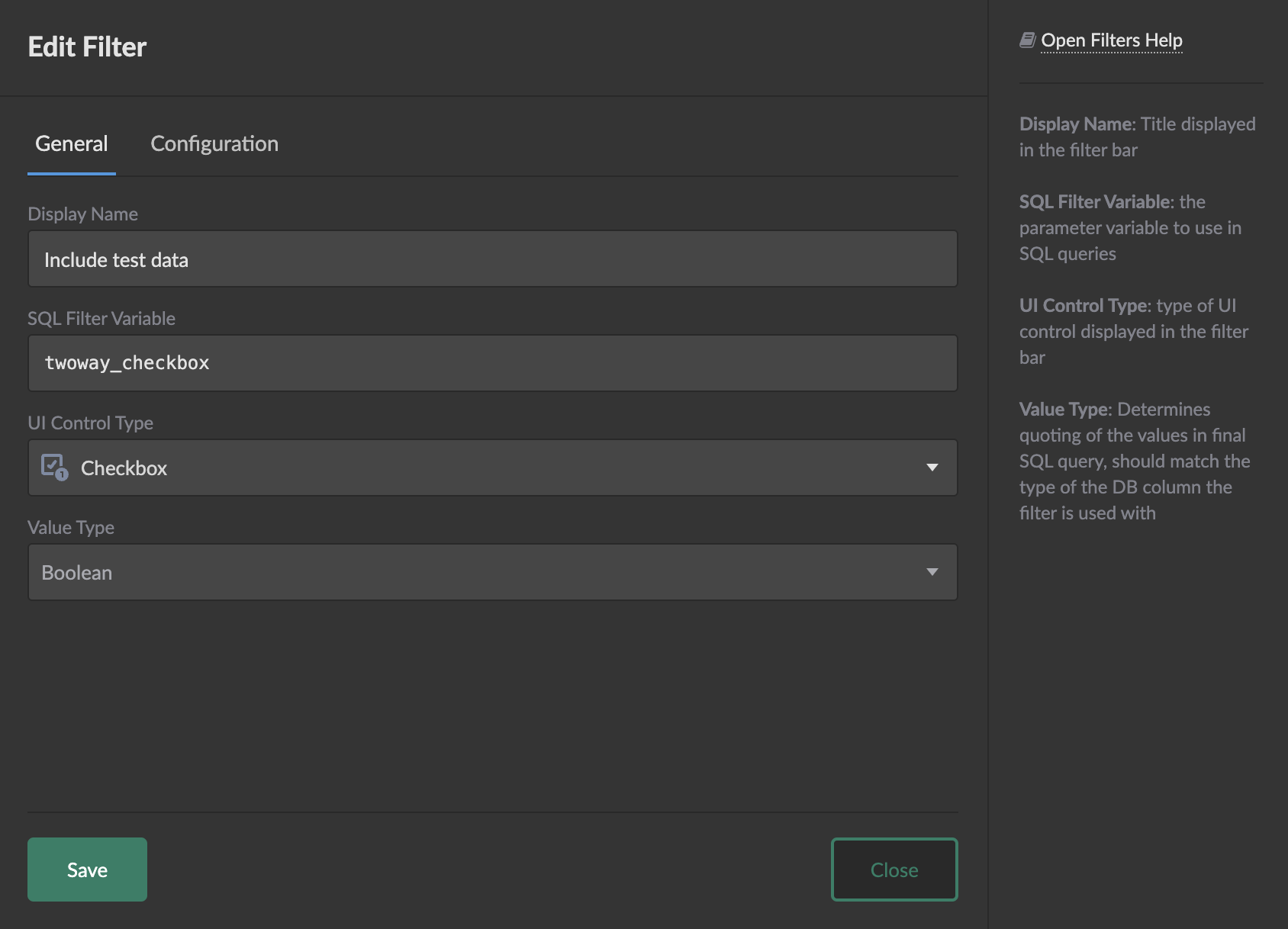
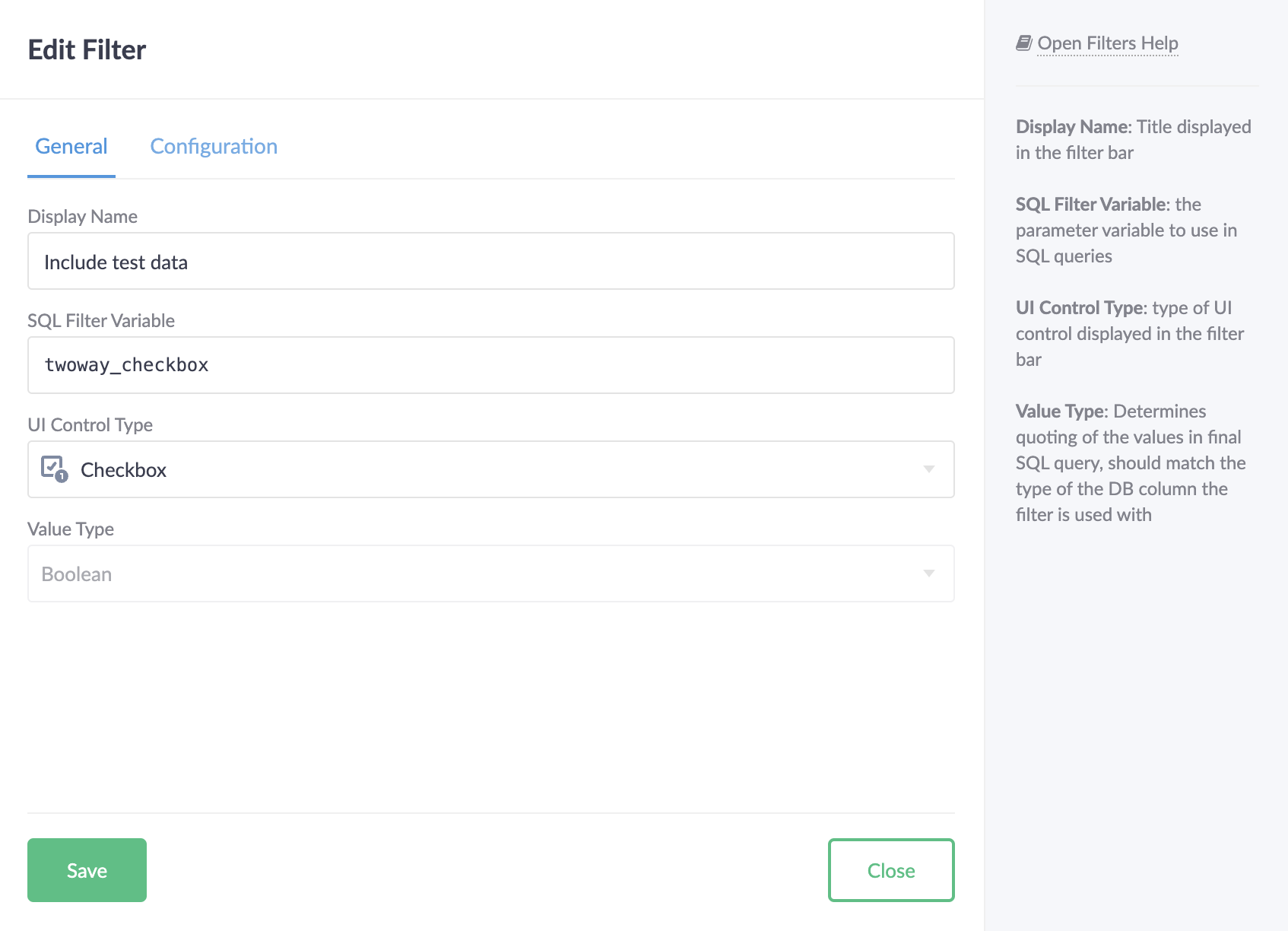
Use the Configuration tab to set the filter's default value.
The Value Type of a Checkbox filter is always Boolean.
Value Selectors
A value selector allows to tap into SQL value expressions associated with the checkbox.
Value
SELECT {my_checkbox.value}
The .value selector produces a boolean expression corresponding to whether
the checkbox is selected.