Static Tables
Static Tables let you turn CSV and Excel files into fully queryable SQL tables — right inside Cluvio, no database required. Upload a file and start writing queries, building reports and joining data across files in minutes.
With Static Tables you can:
- Upload CSV and Excel files directly to Cluvio.
- Query your data with SQL, powered by the Apache DataFusion query engine.
- Join data across files — all static tables share a single datasource, so cross-file queries are straightforward.
- Build reports and dashboards on file data just like any other datasource.
Static Tables are listed on the datasources overview page.
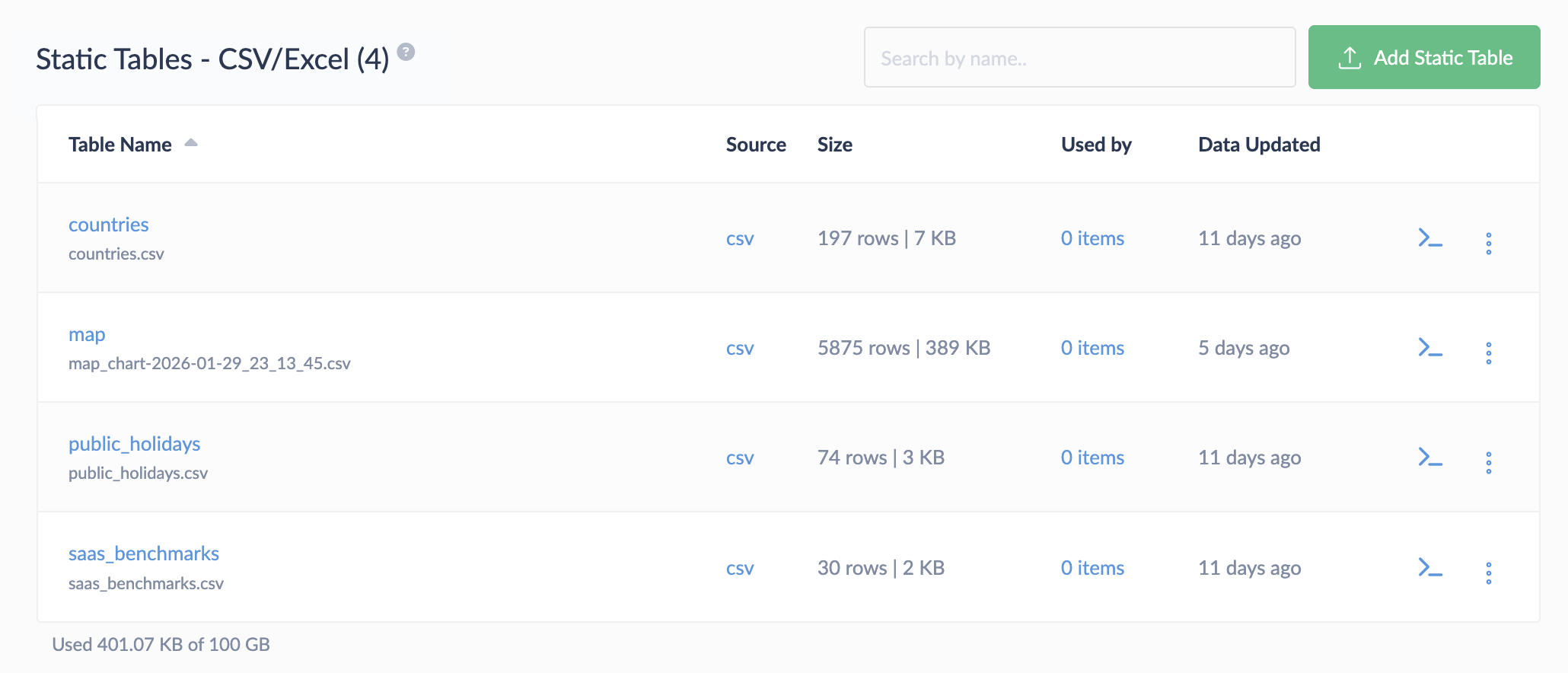
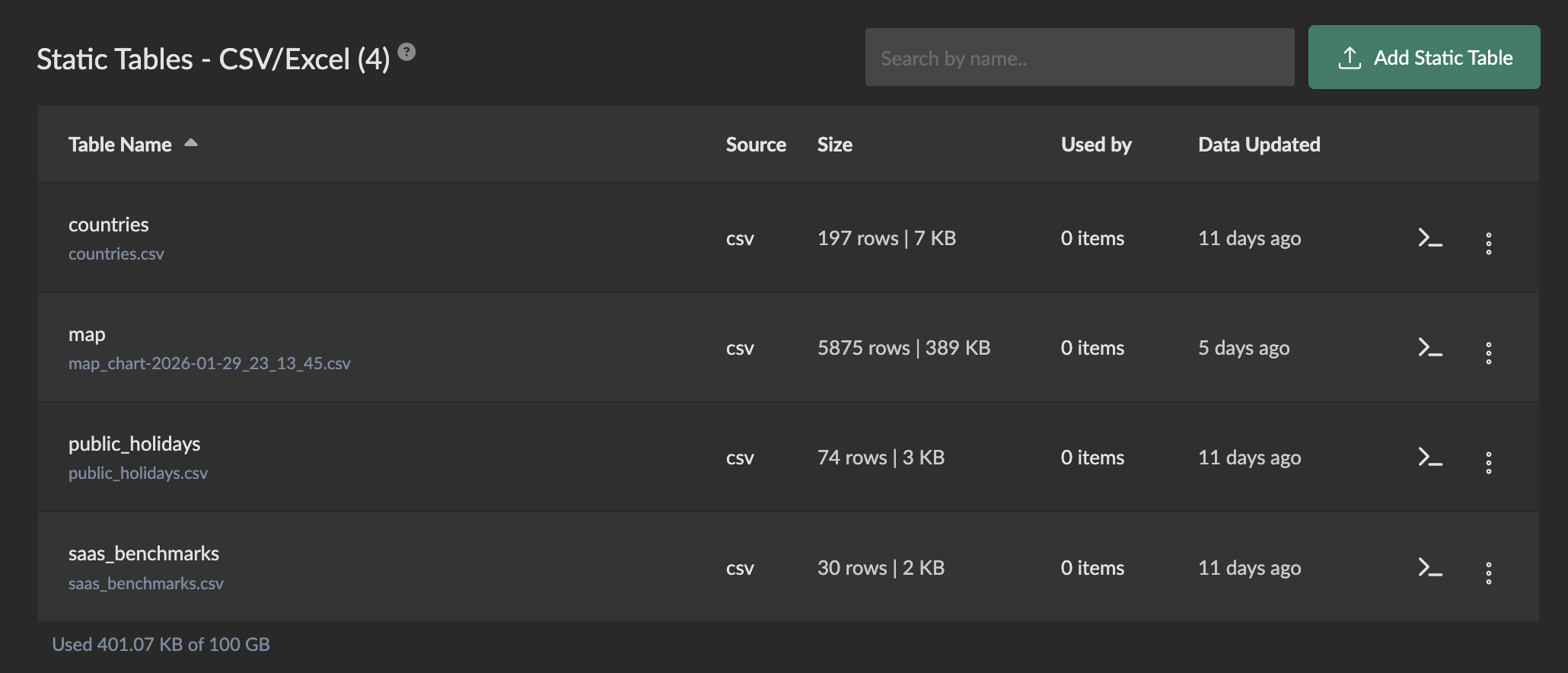
Creating Static Tables
Create static tables by uploading:
Support for additional file types, URLs, and Google Sheets as data sources is planned.
Using Static Tables
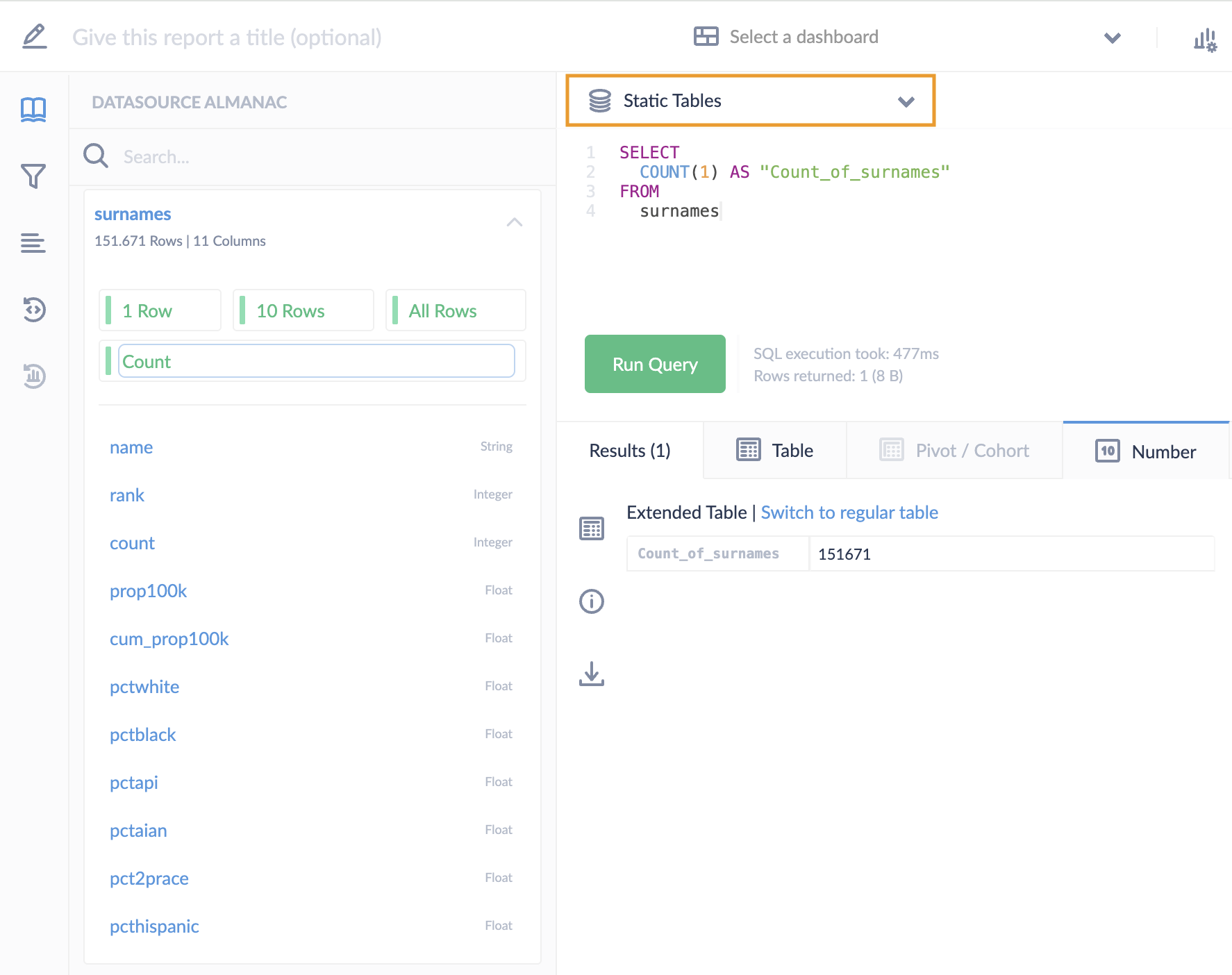
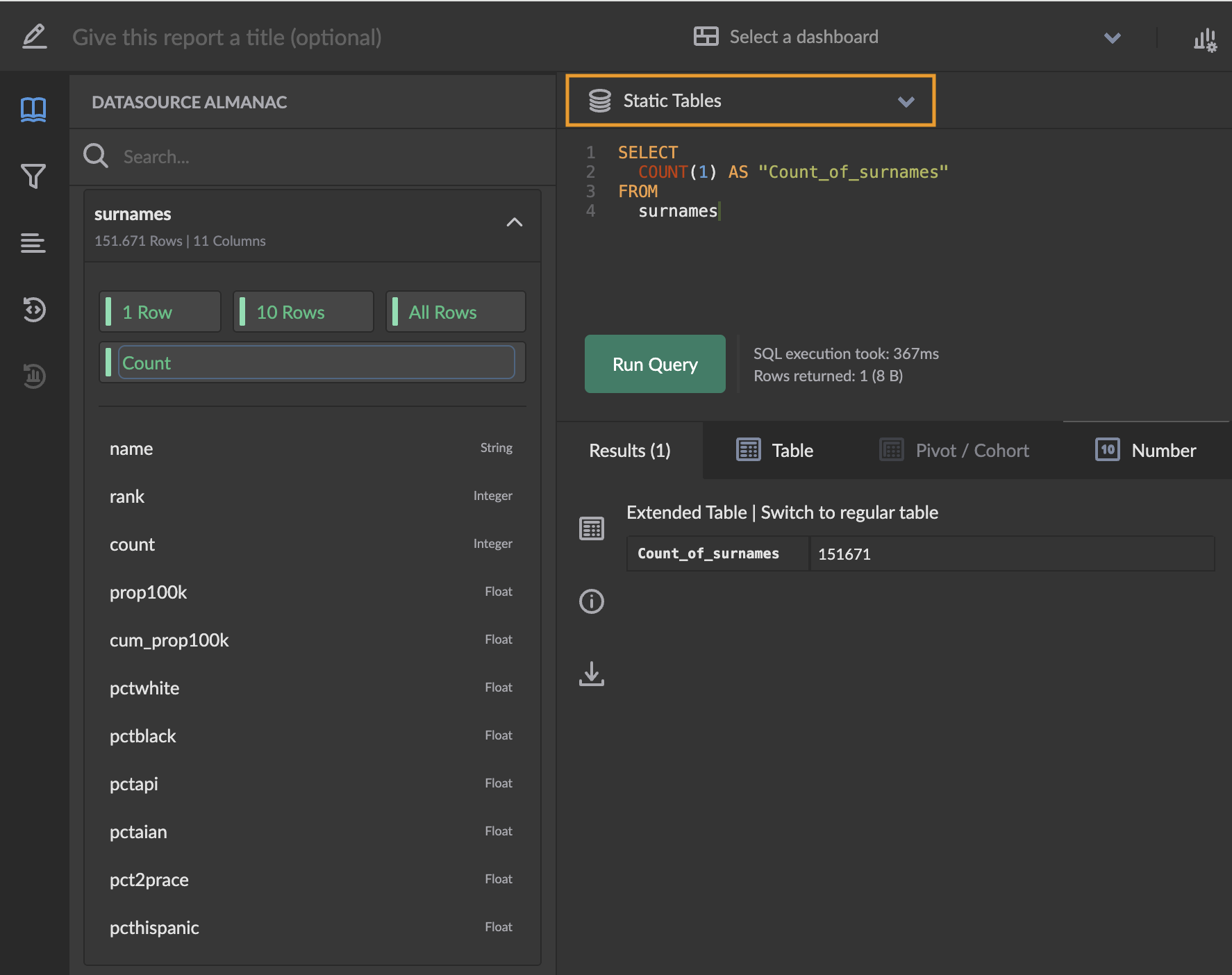
Static tables are automatically available on the predefined Static Tables datasource:
- Open the report editor.
- Select Static Tables as the datasource.
- Write SQL queries using DataFusion SQL.
Cluvio uses the PostgreSQL dialect with DataFusion SQL, so you can use e.g. the
:: operator for type casting.
Static tables are fully integrated with many Cluvio features:
- Use Filters to parameterise queries.
- Create SQL drop-down filters based on static table data.
- The SQL editor offers code completion for table and column names, DataFusion SQL functions and inline documentation with links to detailed references.
- The Datasource Almanac provides schema information for all static tables and pre-defined queries for ad hoc exploration.
Data Size Limits
Your Cluvio plan determines the total data size across all static tables. You can see your current usage below the list of static tables on the datasources overview page.
Data size is calculated using a consistent measure independent of the source file format:
- Empty values: 1 byte, regardless of type
- Boolean values: 1 byte
- Numbers: 8 bytes
- Date/Time/DateTime values: 16 bytes
- Strings: UTF-8 byte length
For example, a table with 10,000 rows and 5 columns (2 strings averaging 20 characters, 2 numbers, 1 date) would use approximately 640 KB of your available static data size.
When to Use Static Tables
Static Tables work well for:
- Reference datasets like product catalogs, region mappings, or category lists.
- One-time data analysis of exported files, e.g. from third-party tools.
- Ad-hoc reporting on datasets that don't change frequently.
- Data evaluation before committing to a database or data warehouse import.
For production analytics workloads with large, continuously growing data, connect a dedicated data warehouse as a regular Cluvio datasource. Static Tables are ideal for the smaller, complementary datasets that round out your analytics.