Organization
The Organization admin section allows updating company details and reviewing legal
and compliance information related to your Cluvio account.
Company Details
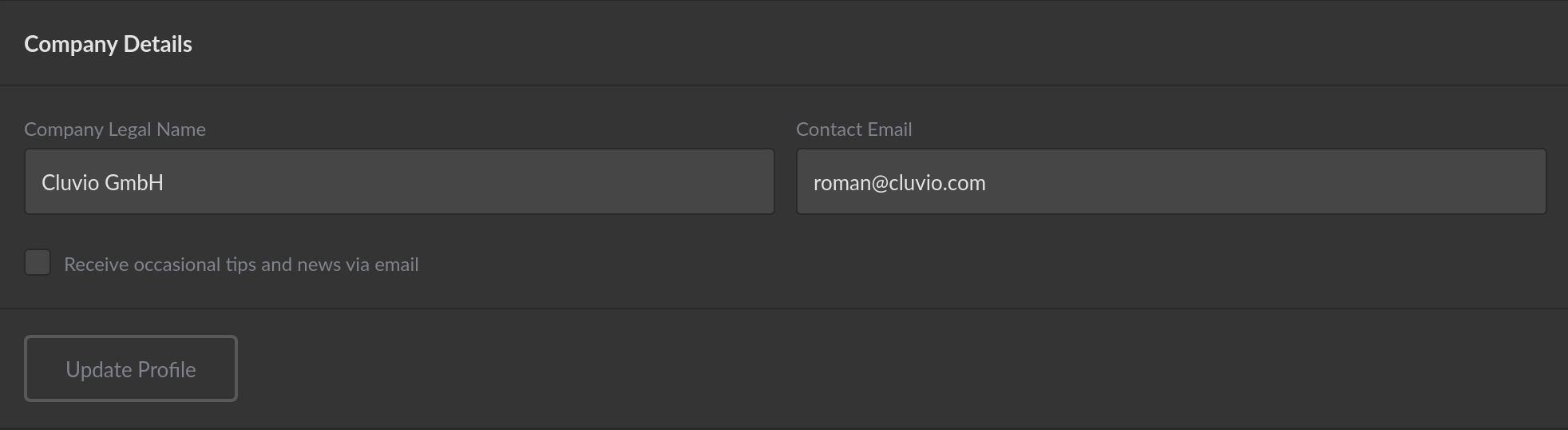
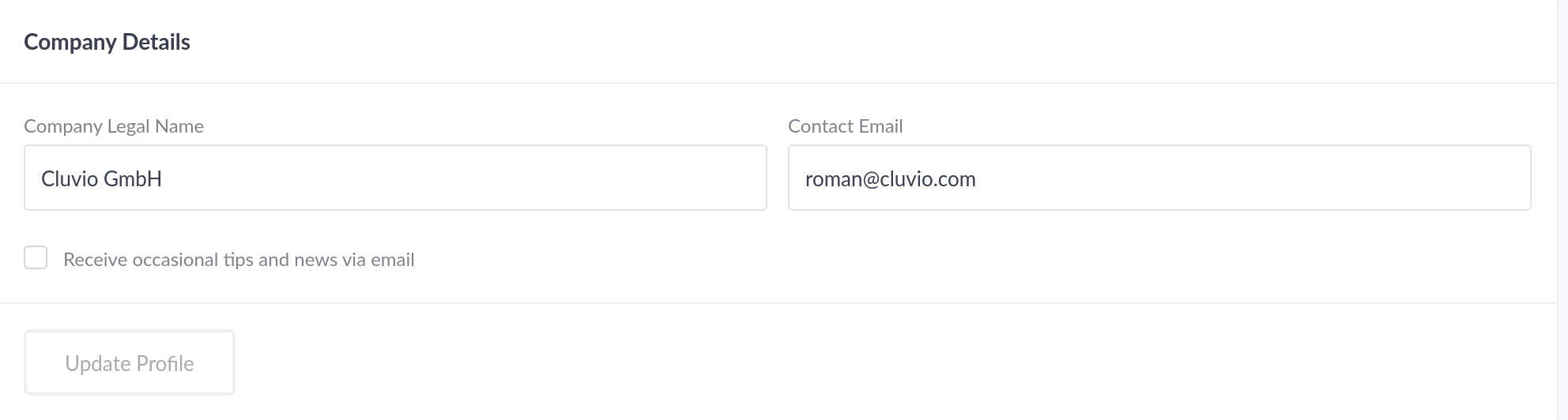
In the company details you can update your company name and primary contact e-mail address. You can also opt-out or opt-in to product e-mails sent by Cluvio about new features, updates, tips & tricks.
Legal & Compliance
In the Legal & Compliance section you can see your Cluvio Account Location and
get information about the Terms & Conditions and Privacy Policy.
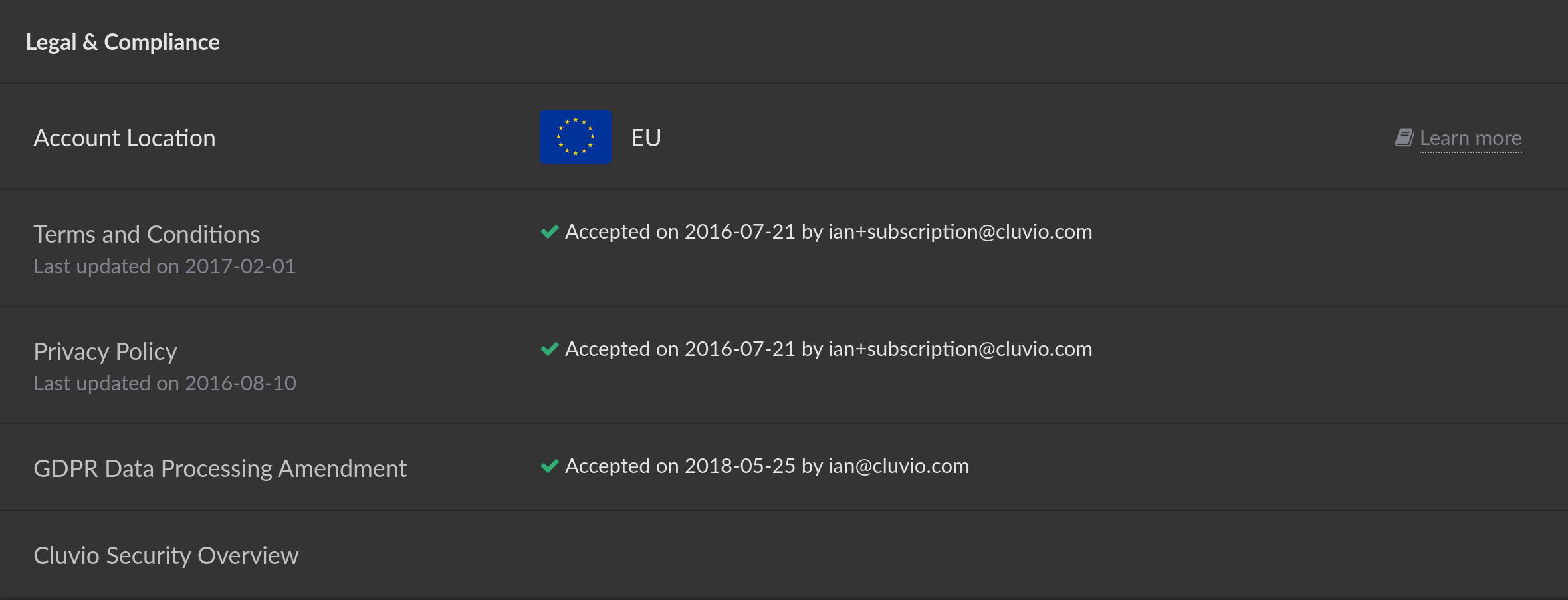
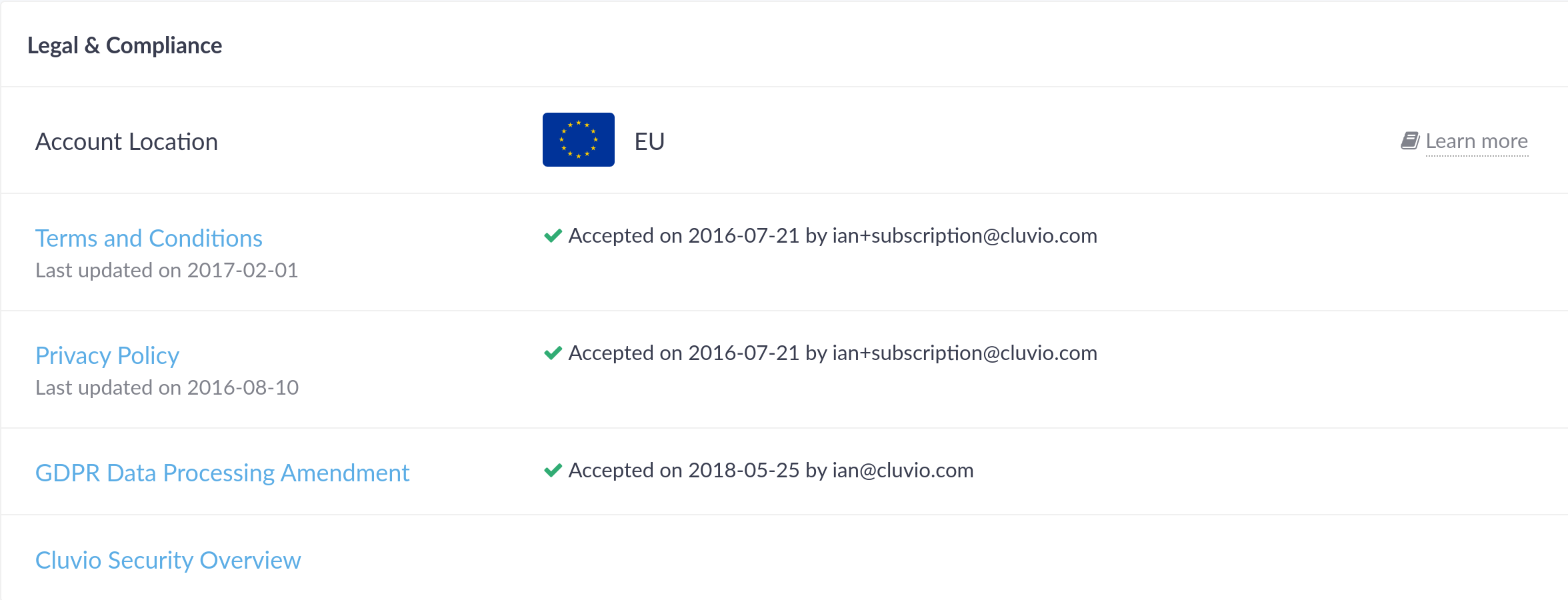
The Cluvio Account Location determines where Cluvio stores & processes all data related to your account.
The GDPR Data Processing Amendment can be accepted electronically or chosen as not applicable for your organization.
Embed Secret
Every organization in Cluvio is assigned an Embed Secret that you use to
sign JWT tokens for secure
embedding. The signed JWT (the sharingSecret URL
parameter on a sharing link) lets your backend authorise embedded dashboards
in a way that can't be tampered with.
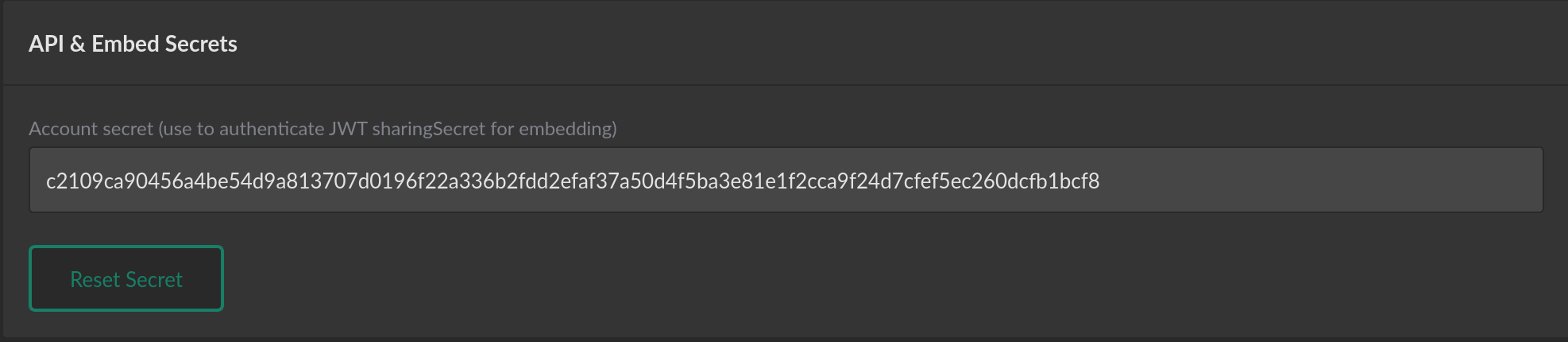
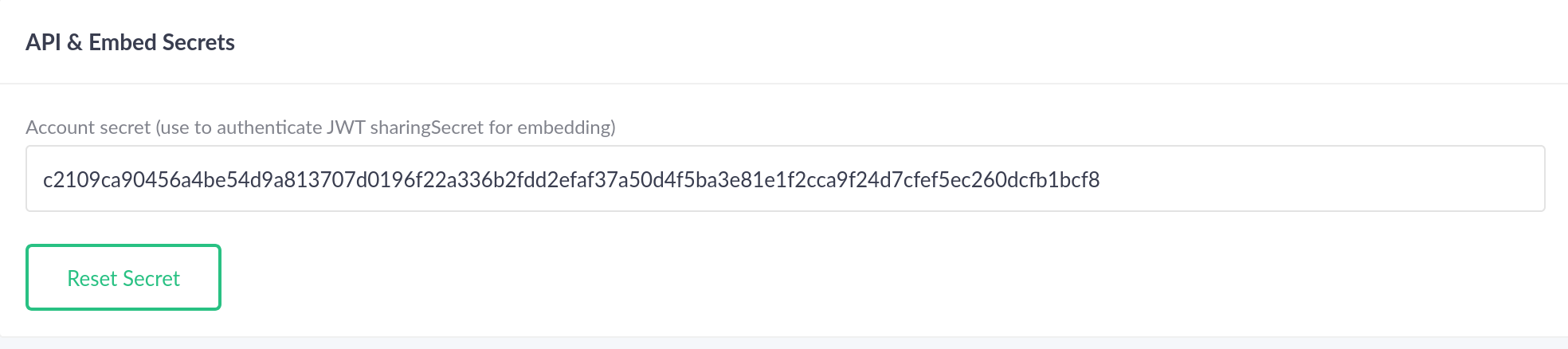
If you choose to reset the secret via Reset Secret (e.g. because it may
have been compromised, or as a routine security measure), a new secret is
generated while the old one remains valid for 24 hours so you can roll
applications without an outage.
Never embed the Embed Secret directly in source code or store it in a client-side bundle. Read it from an environment variable on the server side (the code samples in Embedded Analytics show the idiomatic approach in seven languages).
Single Sign-On (SSO)
In this section of your organization settings you can configure single sign-on (SSO).
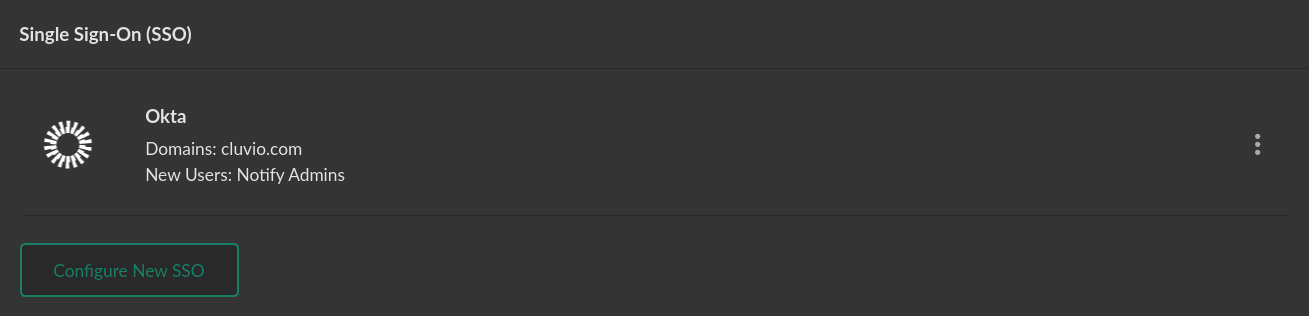
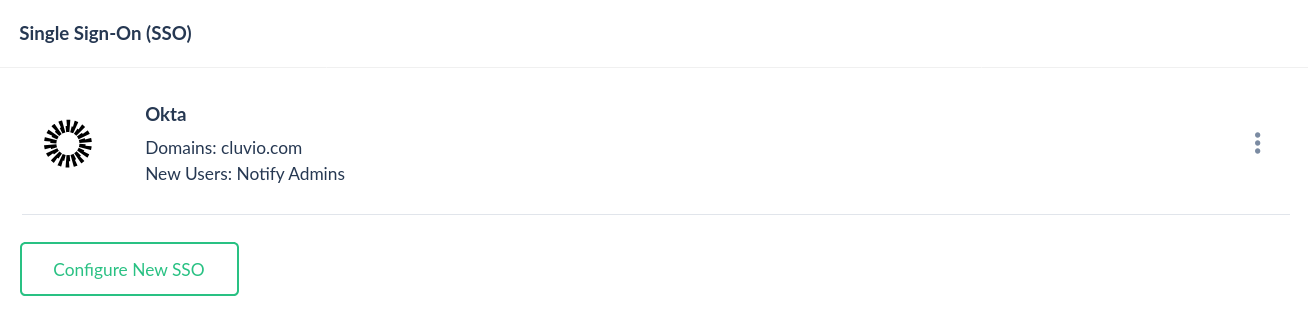
By using single sign-on you can increase both the security and convenience of using Cluvio in your organization. For details on how to configure single sign-on for your Cluvio organization, see Account & Security » Single sign-on.